

SnelStart
Learn how to connect BillPipe with SnelStart to synchronize customers and invoices.
SnelStart Integration
BillPipe integrates seamlessly with SnelStart, allowing you to automatically synchronize your customers and push sales invoices directly into your SnelStart administration.
1. How to connect BillPipe and SnelStart
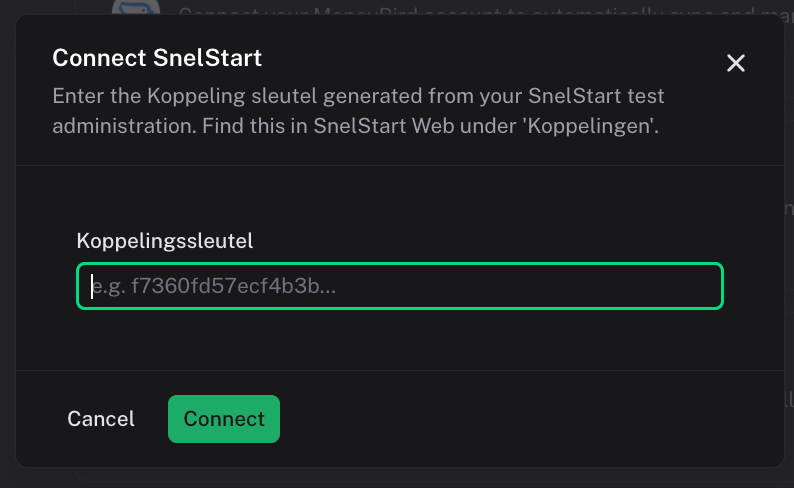
To start syncing data, you first need to connect your SnelStart account to your BillPipe workspace. You need to generate a custom API key in SnelStart under Koppelingen -> Maatwerk.
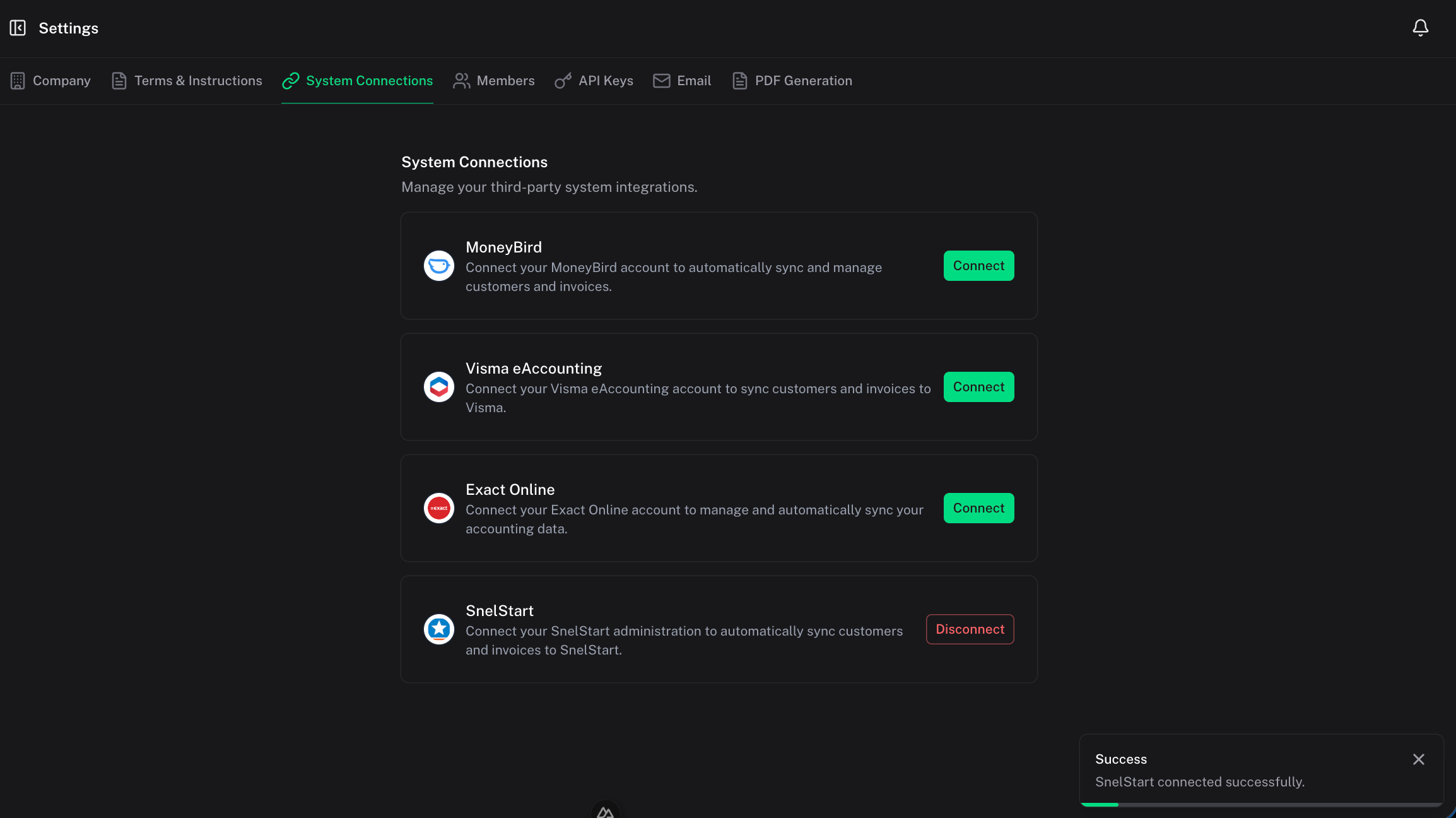
- Open your BillPipe Dashboard and navigate to Integrations.
- Under the SnelStart provider section, click Connect.
- Enter your custom API key to authorize the BillPipe application.
- Once authenticated, your data mappings will be established and your connection will show as active.
2. How to import customers
You can effortlessly import your contacts directly into your BillPipe workspace:
- Navigate to the Customers section in your dashboard.
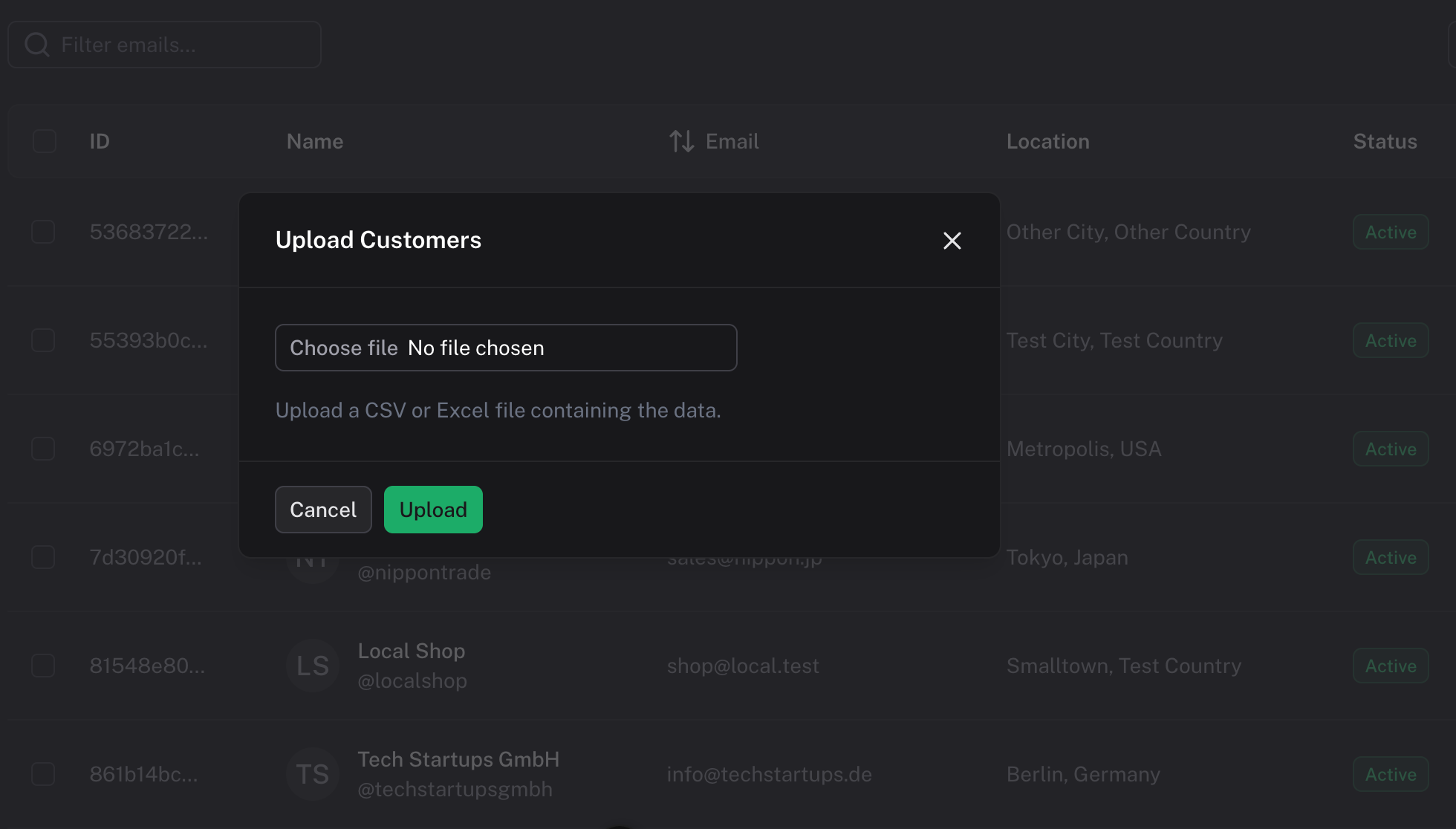
- Click Import at the top right.
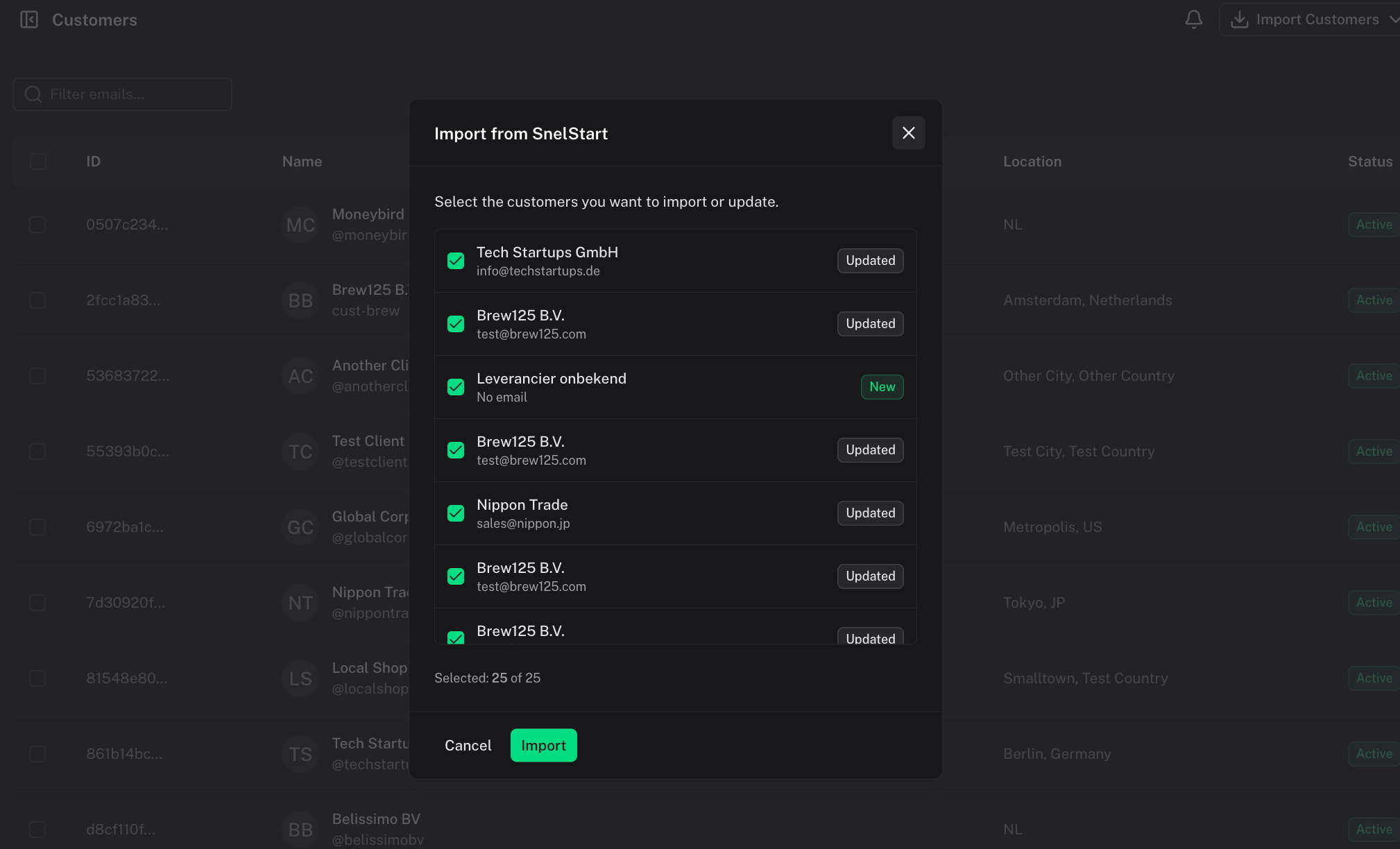
- Select SnelStart from the import options.
- BillPipe will fetch your contacts, verify any discrepancies, and create the customer records natively in BillPipe.
3. How to create customers
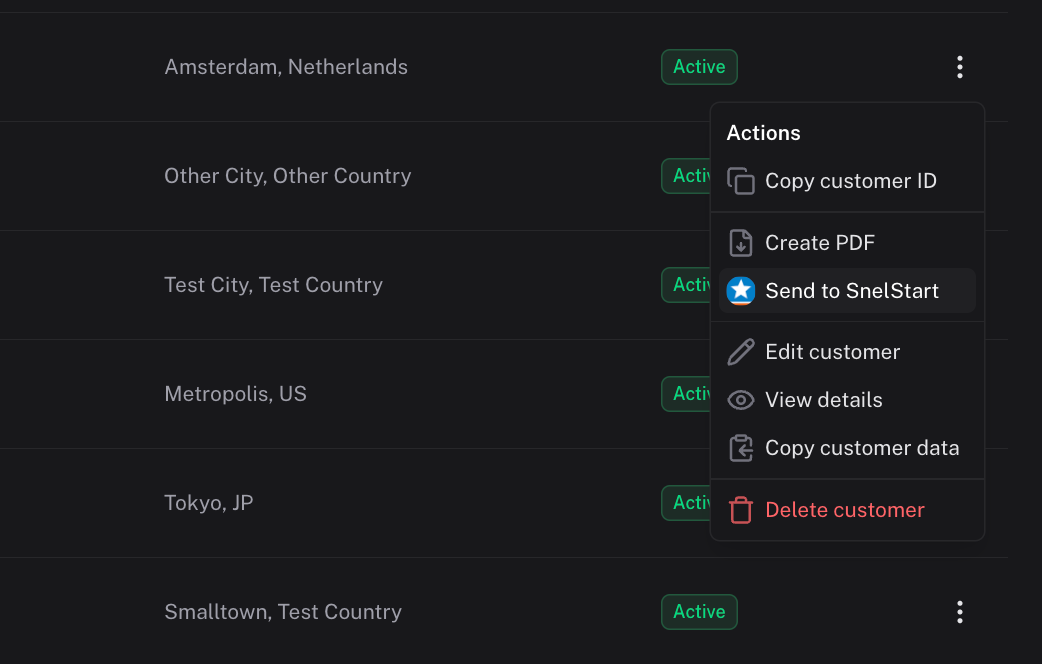
You can easily push customers from BillPipe directly into SnelStart.
- Navigate to the Customers page.
- Select one or more customers from your list.
- Click the Send to... dropdown menu and select Send to SnelStart.
- BillPipe will communicate with SnelStart to add or update your contacts with the appropriate details.
4. How to create invoices
Let BillPipe handle your sales invoice registration automatically.
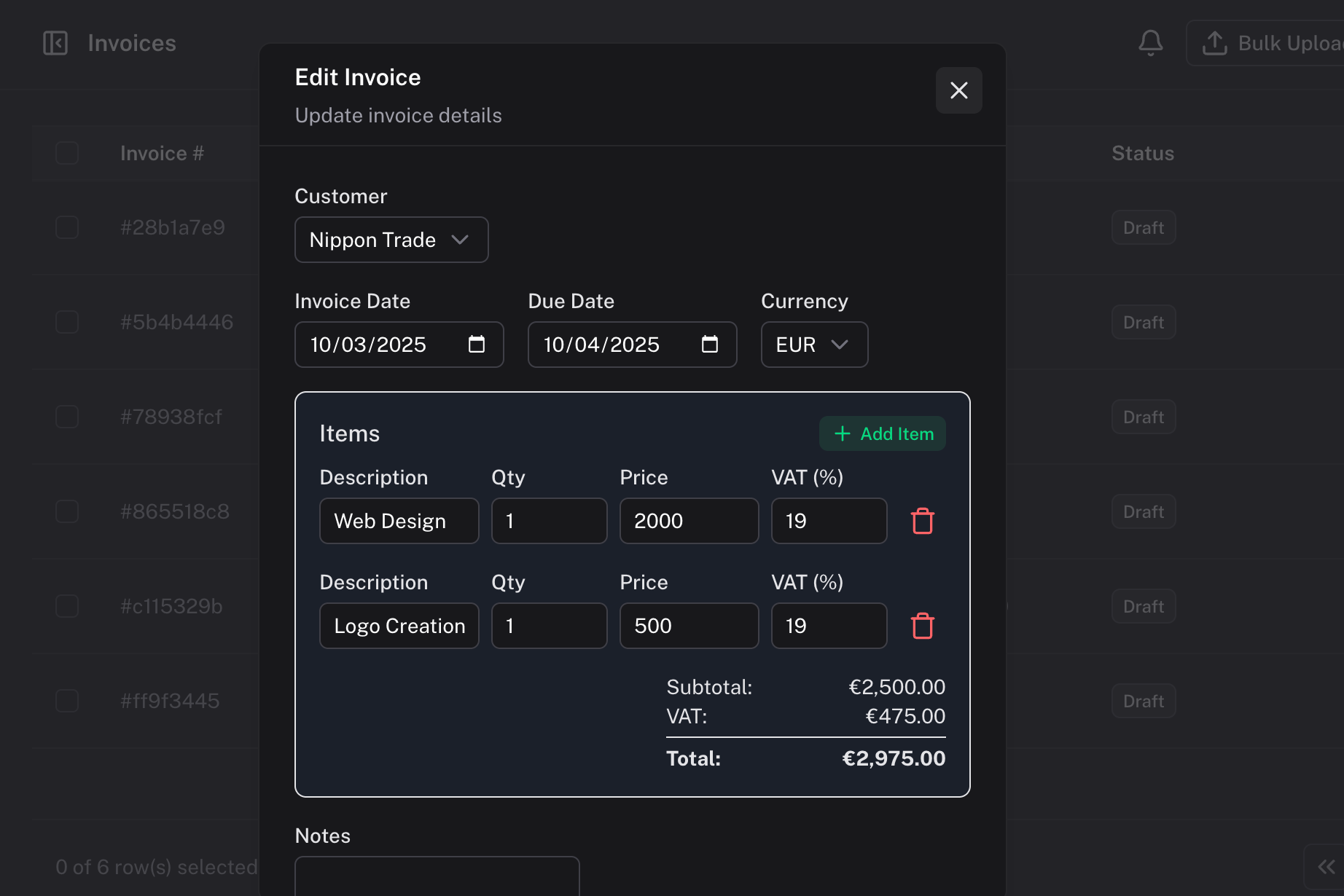
- Make sure your invoice is created in the Invoices section.
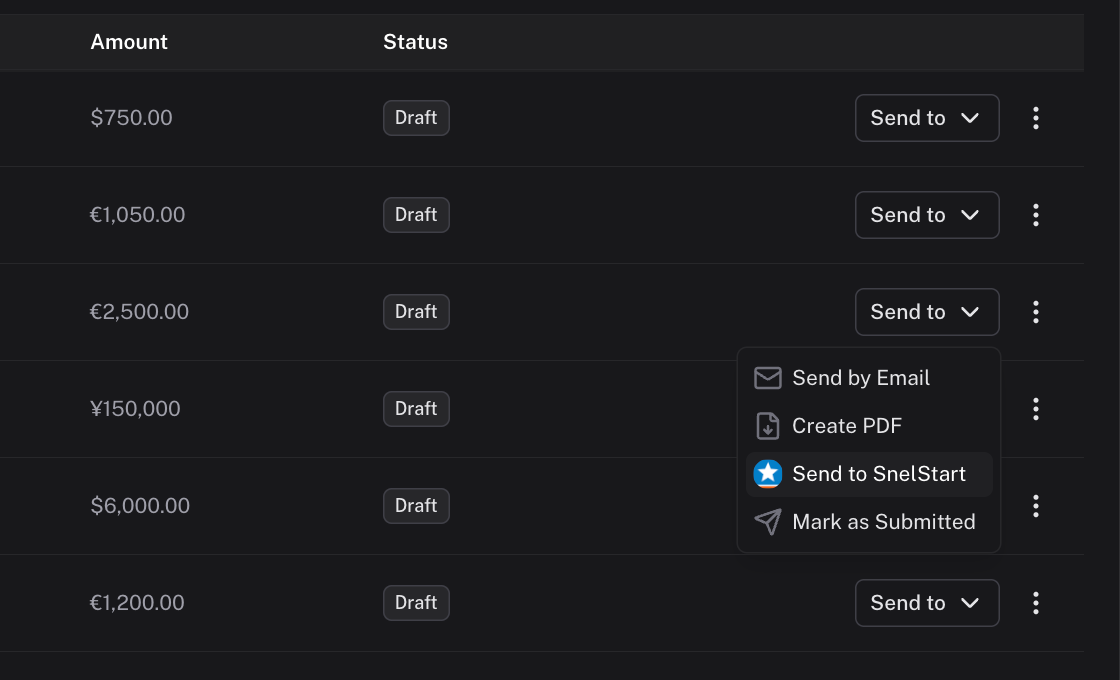
- Open or check the specific invoice you want to synchronize.
- Use the options menu to Send to SnelStart.
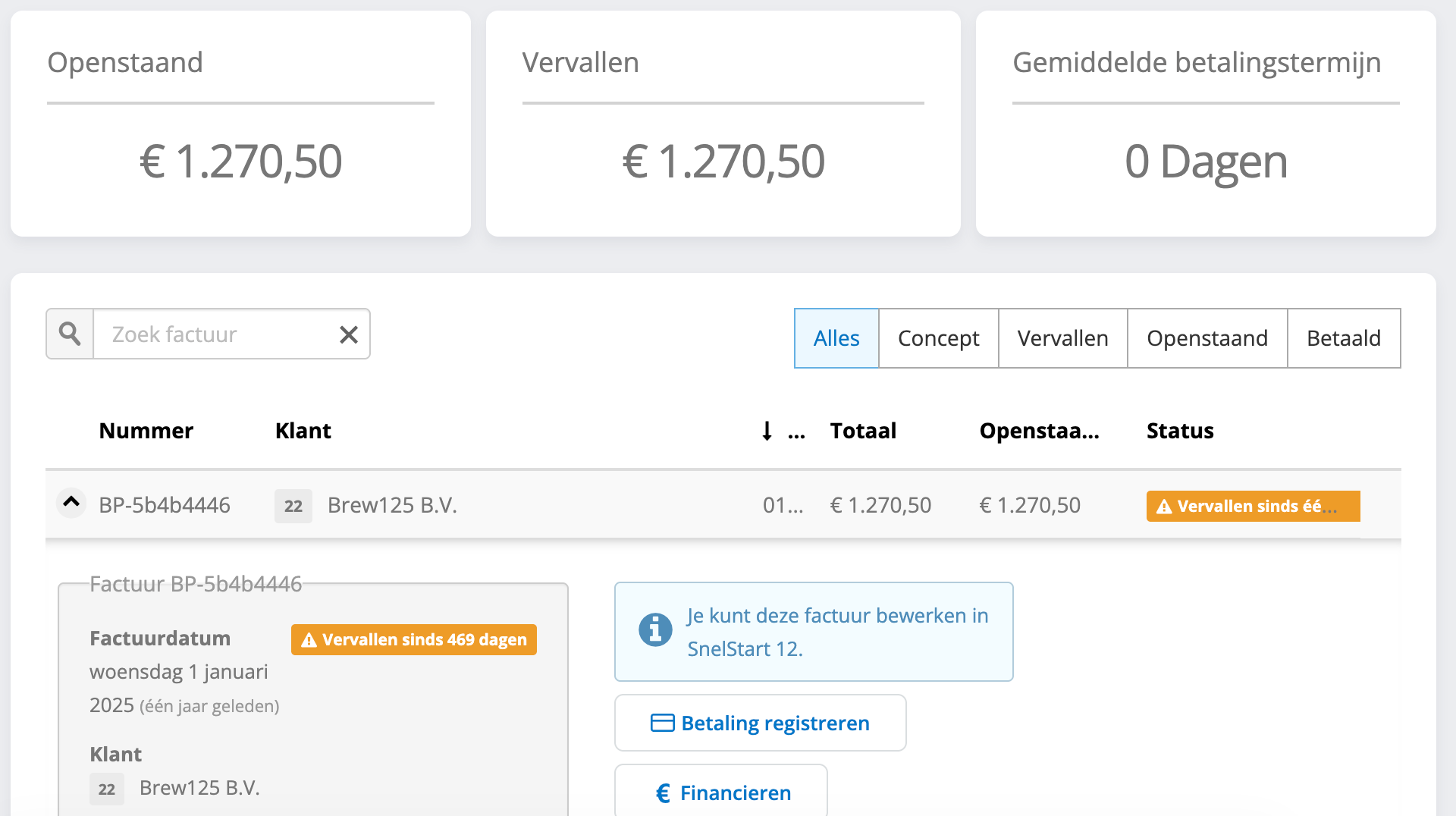
- We'll process the totals, line items, and descriptions, and securely push them to your SnelStart administration.
5. Specifics to SnelStart
!NOTE Custom connection parameters securely utilize your generated Koppelingen -> Maatwerk API key instead of an OAuth 2.0 flow.